
Instant shared lists
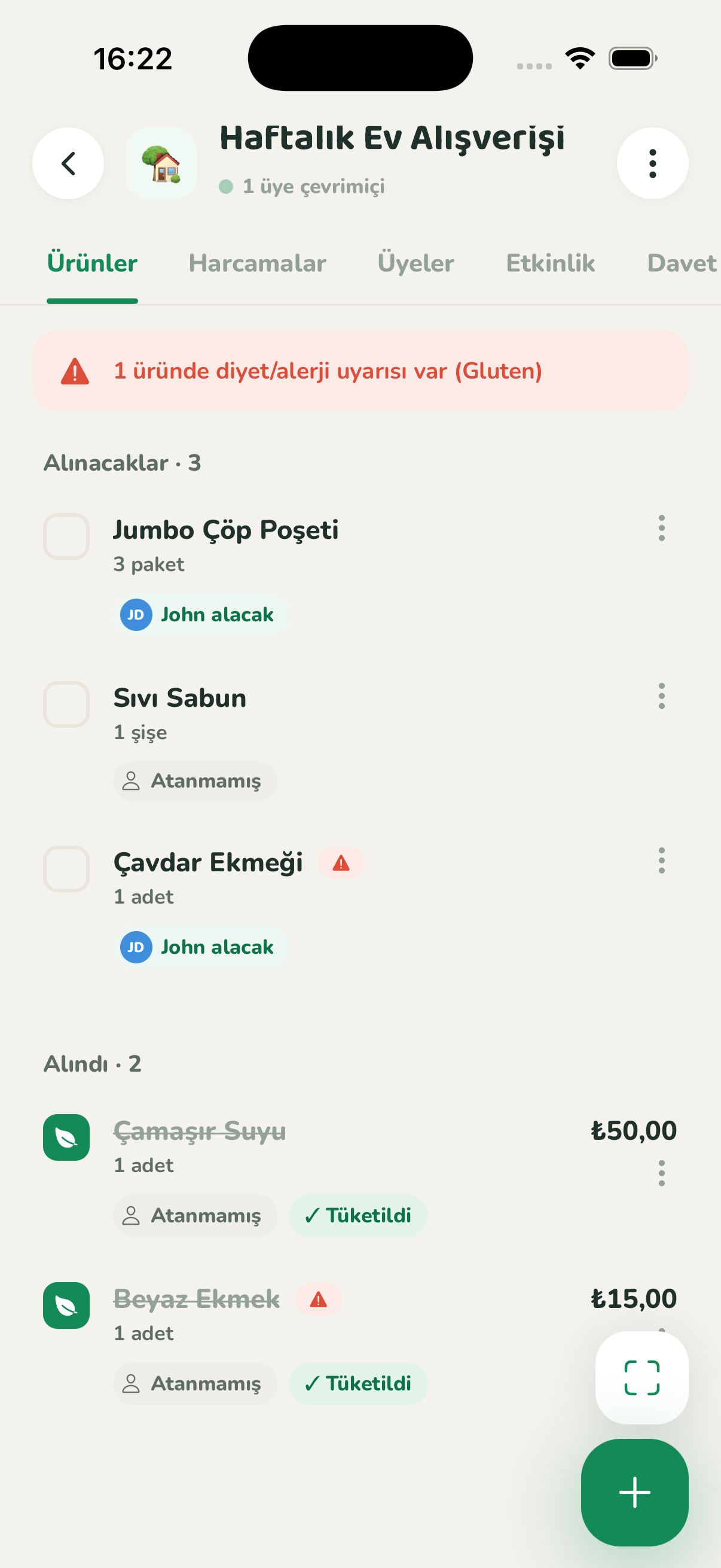
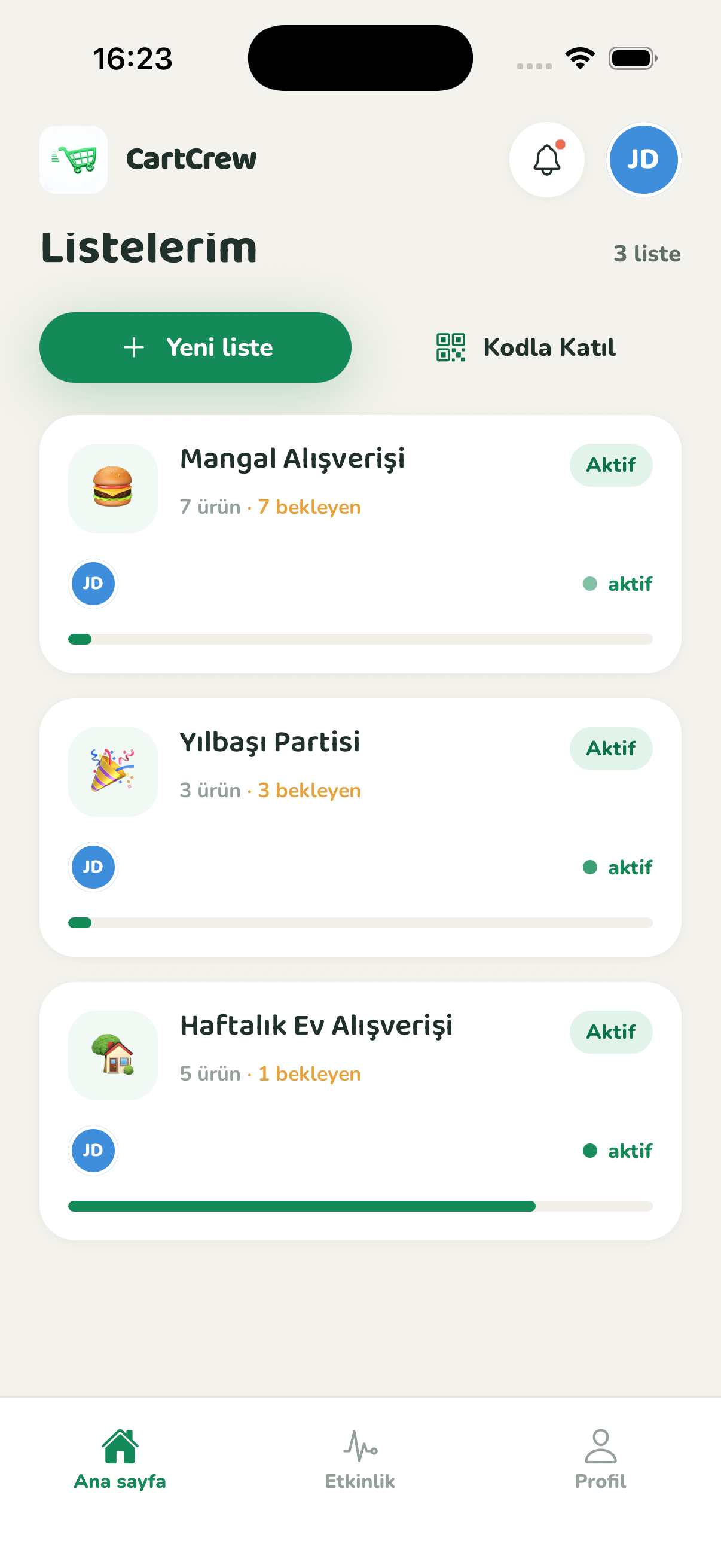
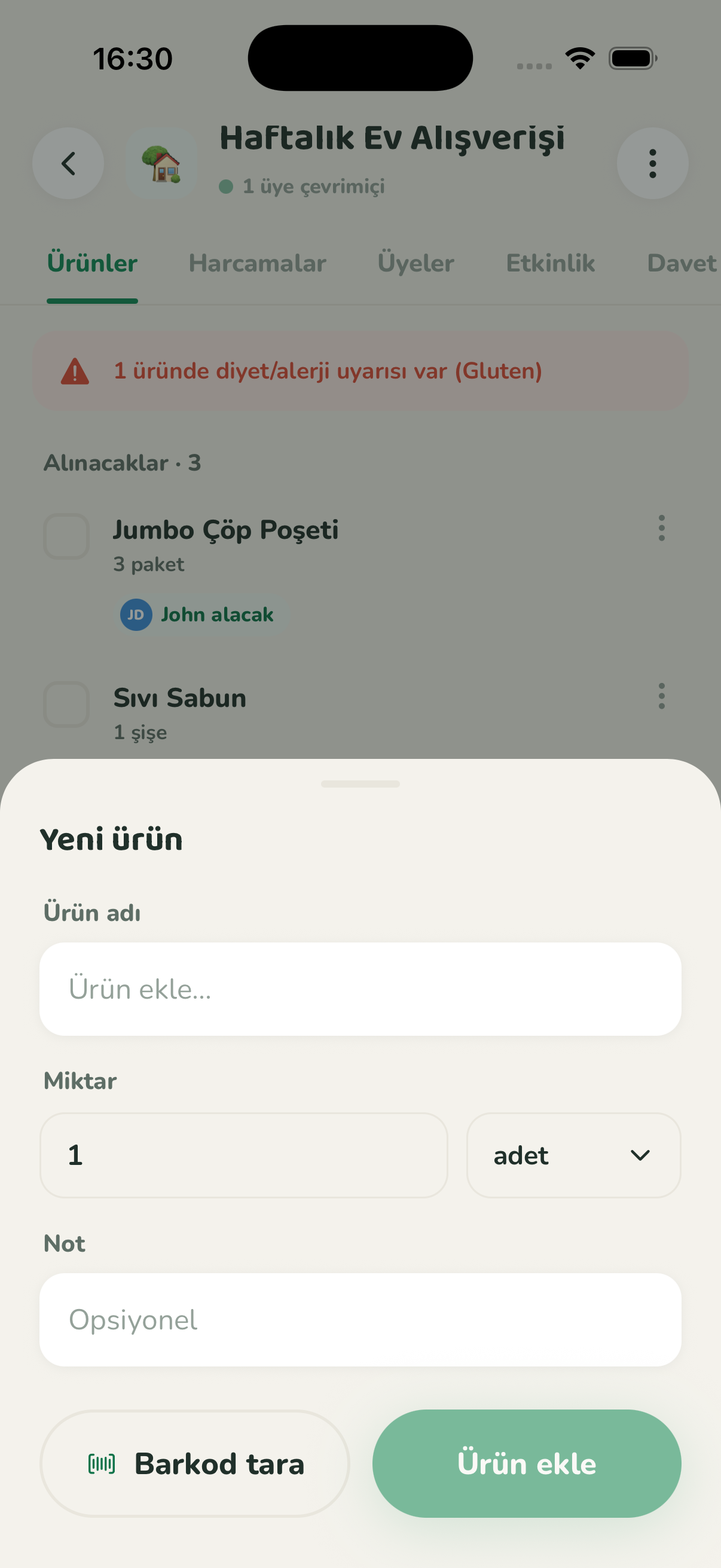
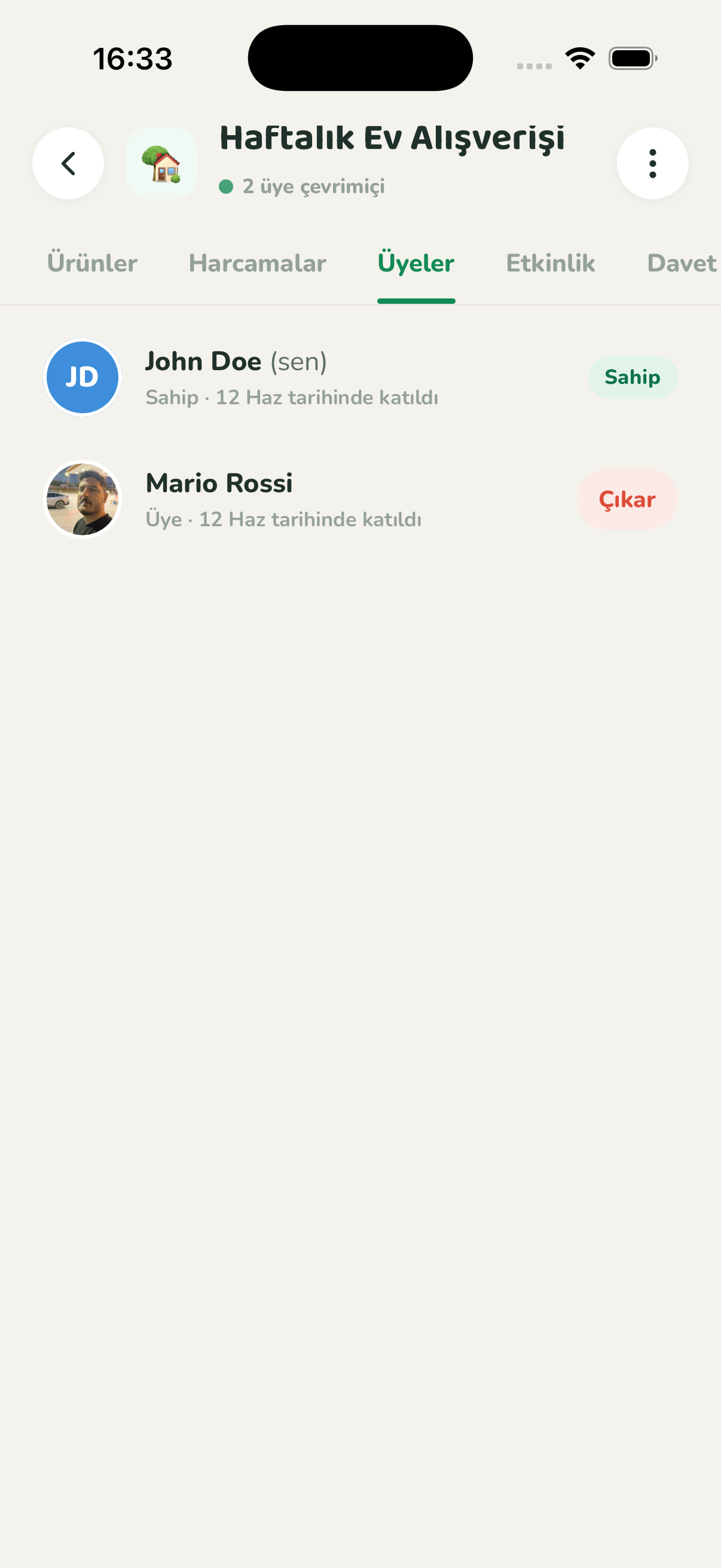
Invite anyone with a code or QR. One person adds an item, everyone sees it instantly.
CartCrew keeps shared shopping lists in real-time sync, tracks who bought what and who spent how much, and warns you about diet conflicts.


CartCrew quietly handles the hard parts of a shared shopping list.
Invite anyone with a code or QR. One person adds an item, everyone sees it instantly.
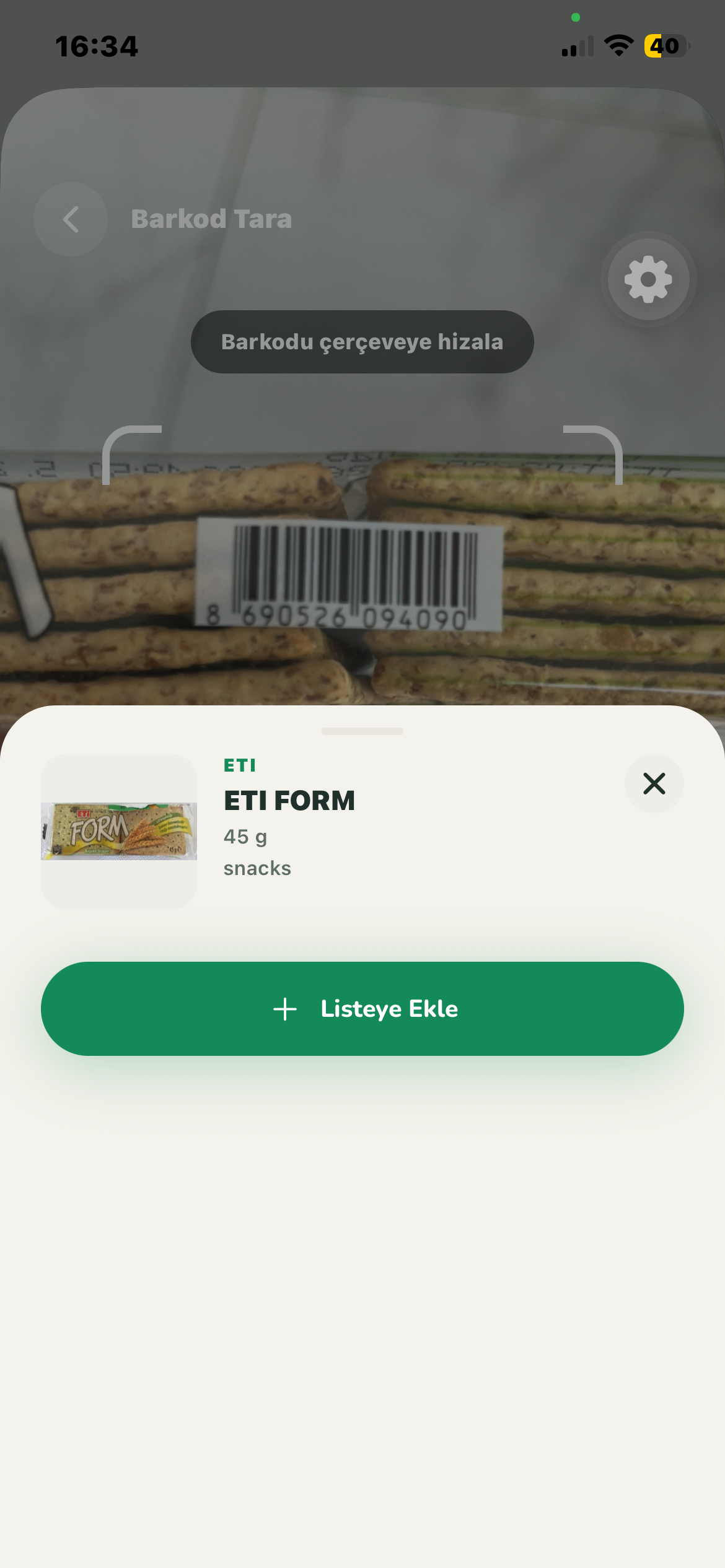
Scan a product and the name and brand fill in automatically. Millions of products at your fingertips.
Set your dietary preferences once and get a heads-up the moment a conflicting item lands on the list.
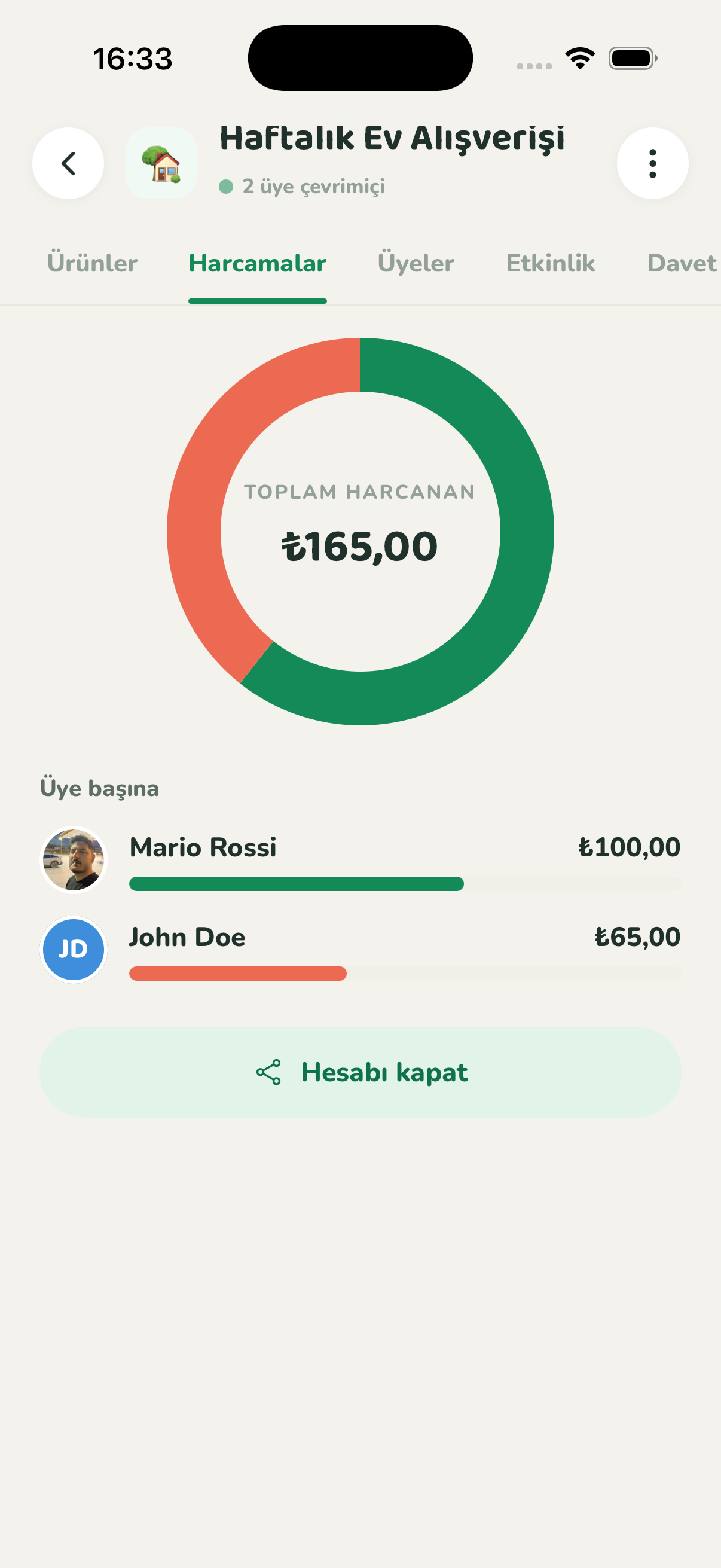
Who bought what, who paid how much — an automatic breakdown for every list.
See exactly how much of what you bought got eaten vs. thrown out — clear monthly reports.
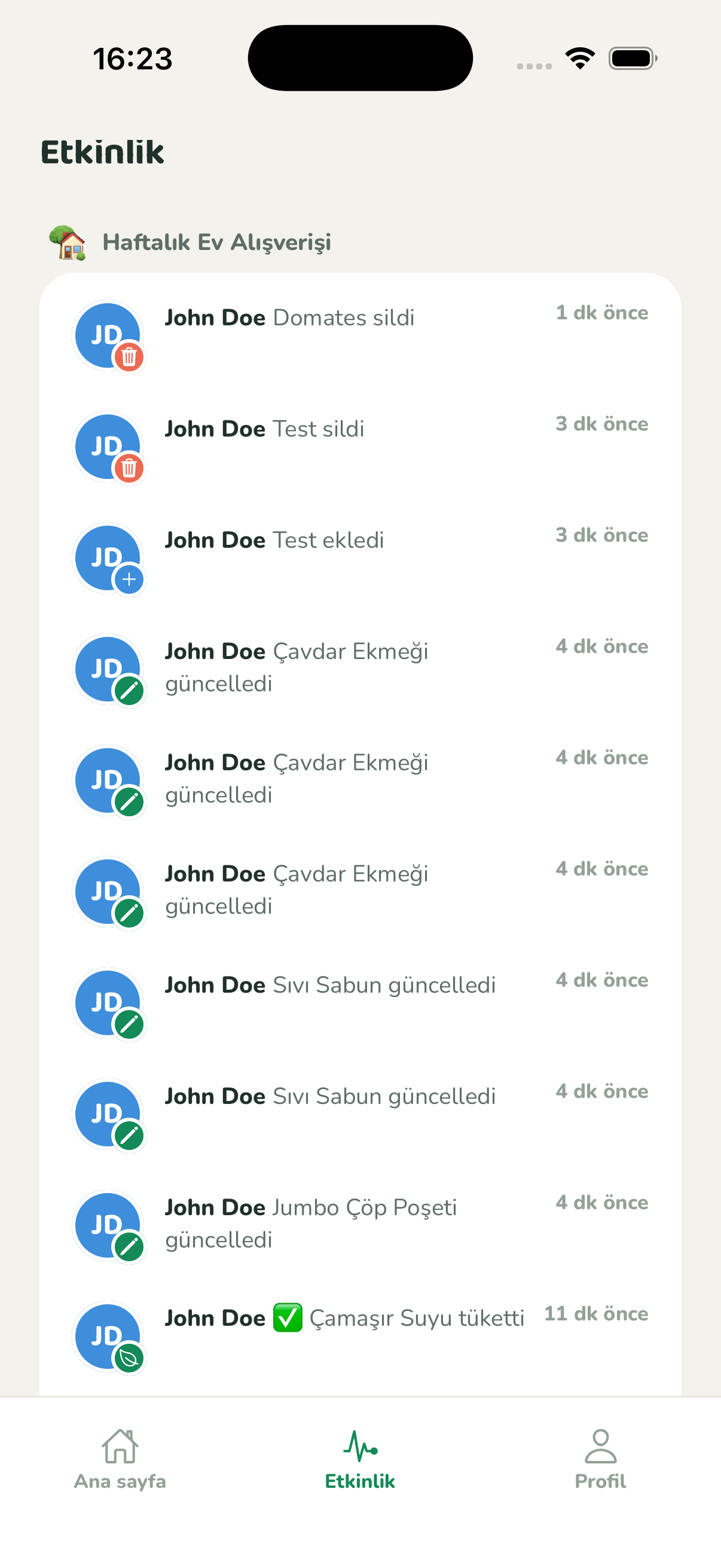
Find out when a member buys an item. Not spam — only what you need to know.
From onboarding to notifications — every screen is fast, familiar and built for shared use.
Sharing your first list takes less than 90 seconds.
App Store or Google Play. Sign up in seconds with Apple, Google or email.
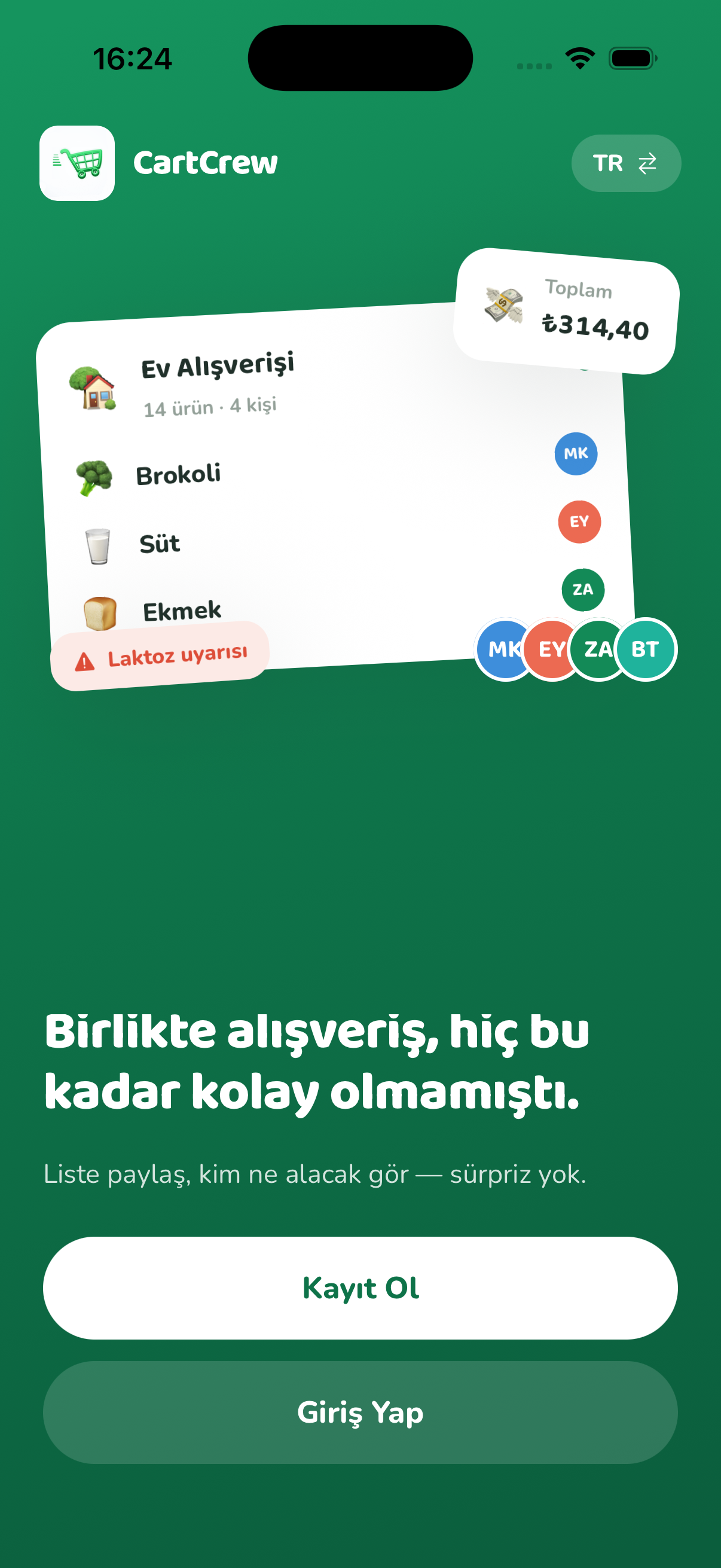
Create a new list, share the invite code or QR. Your partner, roommates, or mom join with a single tap.
Everyone adds items, everyone marks them bought. All you have to do at the register is grab the bag.
Free download — 3 lists and 5 members, everything included.